How to Use Airalo eSIM for Singapore Travel in 2026
8/13/2026
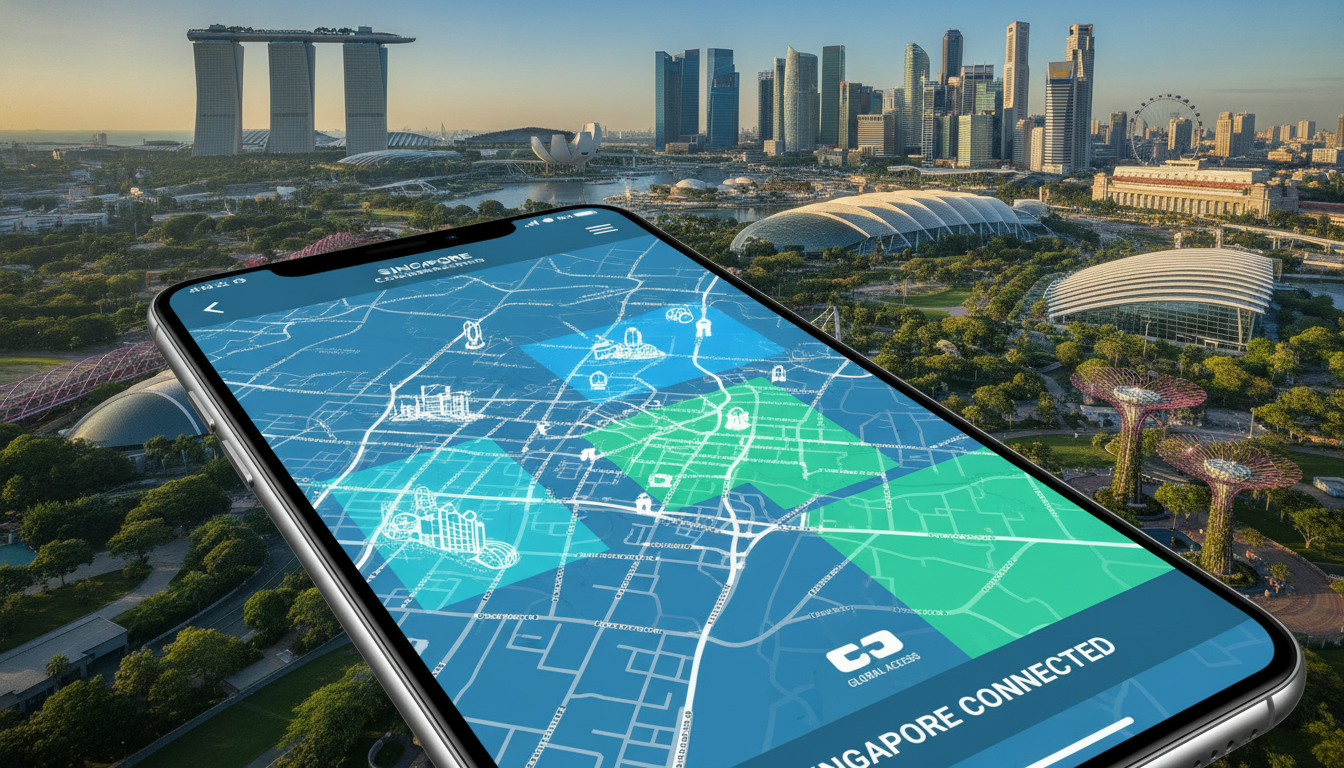
In short, what you'll discover in this article: Explore why the Airalo eSIM for Singapore is a top choice for travelers seeking hassle-free connectivity. Learn about its coverage, pricing, activation steps, device compatibility, and practical tips to stay connected without roaming fees during your trip.
1. Introduction — Why Choose an Airalo eSIM for Singapore
Traveling to Singapore means staying connected is essential for navigation, communication, and access to travel apps. The Airalo eSIM for Singapore offers a convenient alternative to physical SIM cards by allowing you to purchase and activate data plans digitally before arrival.
This eliminates the need to queue at local stores or worry about roaming charges from your home carrier. With prepaid options and reliable coverage, Airalo provides a seamless mobile data experience tailored for travelers.
2. What Is an eSIM and How Does It Work?
An eSIM (embedded SIM) is a digital SIM embedded in your smartphone or device that can be programmed with multiple mobile profiles. Unlike traditional SIM cards, you don’t need to swap physical cards; instead, you download the eSIM profile via QR code or app.
This technology enables instant activation of local or international data plans without visiting a store. For travelers, this means easy access to local networks like those in Singapore without the hassle of physical SIM cards.
3. Airalo Offers for Singapore — Types of Plans and Pricing
Airalo provides various prepaid eSIM data plans for Singapore designed to fit different travel durations and data needs.
3.1 Data Plans by Duration (1 Day / 7 Days / 30 Days)
Airalo’s Singapore eSIM plans typically include:
- Short-term plans: Ideal for quick visits, such as a 1-day plan offering a small data allowance.
- Weekly plans: For stays around a week, providing more data at reasonable prices.
- Monthly plans: Best for longer trips or business stays with larger data packages.
While Airalo’s exact pricing varies, it’s competitive compared to local options and other providers. For example, some prepaid eSIMs on the market start as low as $4 USD with flexible top-ups available through the Airalo app.
3.2 Limitations (Data-Only vs Voice/SMS) and Expiration Policy
Most Airalo Singapore eSIM plans are data-only, meaning they do not support voice calls or SMS natively but can use apps like WhatsApp or Skype for communication. The validity period depends on the plan purchased; unused data typically expires after the plan duration ends without rollover.
4. Coverage and Local Operators Used by Airalo in Singapore
Airalo partners with major local operators such as Singtel, StarHub, and M1 to provide extensive coverage across Singapore. This ensures reliable high-speed mobile internet from Changi Airport to Marina Bay and beyond.
The coverage quality matches that of local SIM cards but without roaming fees or physical card swaps.
5. Device Compatibility
5.1 Tested / Recommended Models
The Airalo eSIM for Singapore works on most modern smartphones supporting eSIM technology, including:
- iPhone XS and later models
- Google Pixel 3 and newer
- Samsung Galaxy S20 series and above
- iPads with cellular support released after 2018
5.2 How to Check If Your Phone Supports eSIM
To verify compatibility:
- Check your phone’s specifications on the manufacturer’s website.
- Look in your device settings under “Mobile Data” or “Cellular” for an option to add an eSIM.
- Confirm that your carrier or region supports eSIM activation.
If unsure, consult guides like how to get an eSIM in Singapore for detailed instructions.
6. Purchase and Activation — Step-by-Step Guide
6.1 Before Departure (Prepare QR Code, Check Compatibility)
- Download the Airalo app on your iPhone or Android device.
- Browse and purchase the Singapore eSIM plan that fits your trip length.
- Save or screenshot the QR code provided after purchase.
- Confirm your device supports eSIM activation.
6.2 Activation on iPhone (Detailed Steps with Troubleshooting Notes)
- Open Settings > Cellular > Add Cellular Plan.
- Scan the QR code received from Airalo.
- Label the plan (e.g., “Singapore Data”).
- Set your preferred line for data usage.
- Enable cellular data and disable roaming on your primary SIM if needed.
If activation fails, restart your phone or reset network settings before retrying.
6.3 Activation on Android (Samsung/Google — Steps and Differences)
For Samsung:
- Go to Settings > Connections > SIM Card Manager > Add Mobile Plan.
- Scan the QR code from Airalo.
- Confirm activation and set data preferences.
For Google Pixel:
- Open Settings > Network & Internet > Mobile Network > Advanced > Carrier.
- Tap “Add Carrier” and scan the QR code.
- Follow prompts to complete setup.
Differences mainly involve menu names; always ensure Wi-Fi is off during activation for best results.
7. Settings and Common Troubleshooting
7.1 APN / Manual Settings (MCC, MNC) and When to Use Them
Most users won’t need manual APN configuration as Airalo sets these automatically during activation. However, if you experience no internet connection:
- Enter APN settings manually using MCC/MNC codes provided by Airalo support.
- Restart your device after manual input.
7.2 Frequent Errors and Solutions (No Network, Activation Failure, Dual eSIM Issues)
Common issues include:
- No network signal: Ensure airplane mode is off; toggle cellular data; check coverage area.
- Activation failure: Re-scan QR code; restart device; update OS version.
- Dual eSIM conflicts: Assign one line strictly for data; disable voice/SMS on secondary line if unsupported.
Refer to Airalo customer support in Singapore for personalized help.
8. Performance in Singapore — Speed Tests and Field Feedback
Users report consistent high-speed internet across central areas like Orchard Road and Sentosa when using the Airalo eSIM coverage through Singtel or StarHub networks. Download speeds typically range from fast enough for streaming HD videos to smooth video calls with low latency—ideal for both leisure and business travelers.
9. Quick Comparison — Airalo vs Local SIMs (Singtel, StarHub, M1)
| Provider | Convenience | Price | Coverage | Activation Speed |
|---|---|---|---|---|
| Airalo | Instant digital purchase | Competitive prepaid rates | Uses top local networks | Immediate via app |
| Singtel | Physical SIM purchase required | Varies; often higher than prepaid | Nationwide strong coverage | In-store activation |
| StarHub | Physical SIM purchase required | Similar pricing | Good urban coverage | In-store activation |
| M1 | Physical SIM purchase required | Competitive postpaid/prepaid options | Reliable urban & suburban coverage | In-store activation |
Airalo stands out by eliminating physical card hassles while offering competitive prices verified by MyBestSim comparisons.
10. Practical Tips for Travelers in Singapore
10.1 Saving Data, Tethering, Using Public Wi-Fi Securely
- Use Wi-Fi when available but avoid sensitive transactions on public networks without VPN protection.
- Enable data saver modes on apps.
- Share your connection via tethering cautiously; some plans may restrict hotspot use.
10.2 Best Practices at the Airport and Emergency Situations
- Activate your Airalo eSIM before landing at Changi Airport to have immediate connectivity.
- Keep emergency contacts saved offline just in case.
- Use offline maps as backup if initial activation delays occur.
11. Managing Your Airalo Account — Top-Ups, Refunds, Support
You can easily recharge your prepaid eSIM through the Airalo app anytime during your trip without needing new QR codes or reinstallation. Refund policies vary by plan but generally do not cover used data packages.
For issues or inquiries related to Airalo eSIM customer support in Singapore, contact their helpdesk via app chat or email for prompt assistance.
12. Conclusion and Call to Action
Choosing the Airalo eSIM Singapore service offers travelers a flexible, affordable way to stay connected without roaming fees or physical SIM swaps. With straightforward activation steps, reliable local network coverage, and competitive pricing verified by MyBestSim, it’s an excellent choice for any visitor planning their trip ahead of time.
Ready to simplify your travel connectivity? Purchase your Airalo Singapore eSIM today and enjoy seamless internet access from touchdown!
For further details on tourist-specific options or best overall plans available in Singapore, explore our related guides at singaporesim.com/blog/singapore-esim-tourist and singaporesim.com/blog/best-esim-singapore.
FAQ
How do I activate the Airalo eSIM in Singapore?
To activate, download the Airalo app, purchase a Singapore eSIM plan, then scan the provided QR code in your phone's cellular settings. Follow prompts to label the plan and enable data. Restart your device if activation issues occur.
What coverage does Airalo eSIM provide in Singapore?
Airalo partners with major local networks like Singtel, StarHub, and M1, offering extensive high-speed coverage throughout Singapore, including airports and popular tourist areas, ensuring reliable internet without roaming fees.
Are Airalo eSIM plans voice and SMS compatible?
Most Airalo Singapore eSIM plans are data-only and do not support native voice calls or SMS. However, you can use internet-based apps like WhatsApp or Skype to communicate during your trip.
Which devices support the Airalo eSIM for Singapore?
The Airalo eSIM works on modern smartphones with eSIM capability, including iPhone XS and newer, Google Pixel 3+, Samsung Galaxy S20+, and cellular iPads released after 2018. Check your device settings to confirm compatibility.
Can I top up my Airalo eSIM while in Singapore?
Yes, you can easily recharge your prepaid Airalo eSIM anytime through the Airalo app without needing a new QR code or reinstalling the profile, allowing uninterrupted data access throughout your stay.

Liam Chen
Liam is a travel and technology writer based in Southeast Asia who has tested eSIMs across the region. At Singapore eSIM he compares travel data plans on Singtel, StarHub and M1 and helps visitors stay online affordably from Changi to Sentosa.