Starlink Costs Explained for Managing Your Budget in 2026
10/16/2026
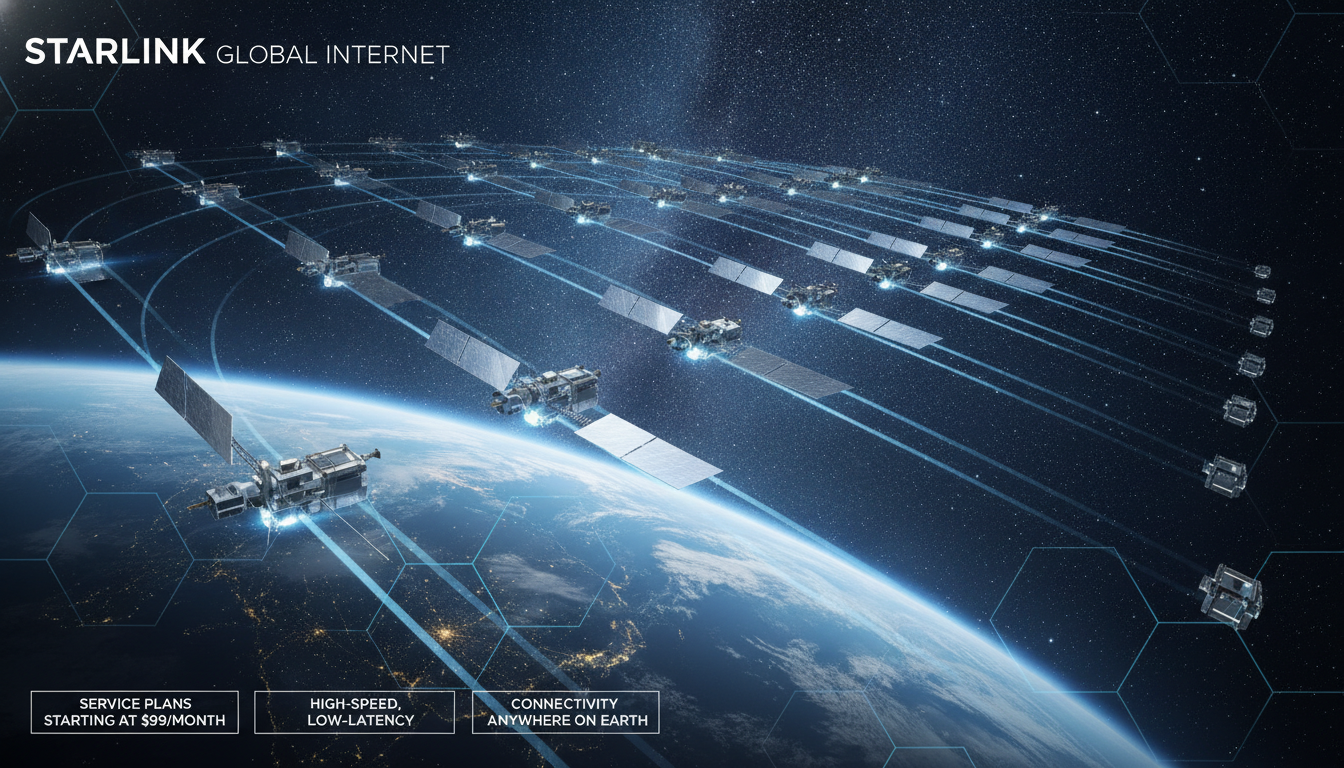
What Starlink Costs: Understanding Fees and Free Features for Your Budget
Starlink offers satellite internet that can bring fast, reliable connectivity to rural and remote areas where traditional internet options fall short. But if you’re considering Starlink, especially to improve your home internet in a rural setting, the key question is: what will it cost you? Knowing exactly which fees apply and which services come free helps you manage your budget without surprises.
I always start by breaking down the Starlink pricing into clear categories: hardware costs, subscription fees, installation charges, and any optional extras. This approach reveals what you pay for upfront, what you pay monthly, and what you get included at no extra cost.
Starlink Pricing Overview: What You Pay and What You Don’t
Starlink’s pricing structure is straightforward but includes several components that impact your total cost. Here’s a quick summary of the main charges:
| Cost Component | Description | Typical Cost (USD) |
|---|---|---|
| Starlink User Terminal | The satellite dish and modem hardware | Around $599 |
| Starlink Subscription Plan | Monthly internet service fee | About $110 per month |
| Installation | Self-installation is standard; professional help may cost extra | Usually free (self-install) |
| Shipping & Taxes | Delivery fees and applicable taxes | Varies by region |
| Optional Accessories | Mounts, cables, or other hardware add-ons | Prices vary |
The Starlink user terminal is a crucial upfront investment. It includes the satellite dish (sometimes called “the Starlink dish”) and the modem that connects your home to the Starlink satellite network.
This hardware is sold as a one-time purchase around $599 USD according to SpaceX’s official pricing.
The monthly subscription plan covers your internet access through the Starlink constellation of satellites. This fee is about $110 per month in the United States but can vary slightly depending on your country or region.
This plan grants access to the broadband service with speeds typically ranging from 50 Mbps to 250 Mbps, depending on network congestion and location.
Installation is designed to be user-friendly: you set up the dish yourself using the provided instructions and app guidance. I’d advise against rushing this step because improper placement can degrade signal quality.
Professional installation services exist but are optional and usually come with an additional fee.
Shipping costs and taxes depend on where you live; they are not included in the base hardware price. For example, international customers often pay more due to import duties or shipping logistics.
Optional accessories like specialized mounts or longer cables are available but not required for basic service.
What Is Included for Free With Starlink?
Starlink’s model bundles some features at no extra charge beyond hardware and subscription fees:
- No data caps or overage fees: Unlike many traditional ISPs, Starlink does not throttle your speed or charge extra if you use a lot of data.
- Access to the Starlink app: The app helps you monitor connection quality, troubleshoot issues, and find optimal dish placement.
- Automatic software updates: The user terminal receives firmware updates over-the-air to improve performance without user intervention.
- Port forwarding and static IP options: These features come standard with residential plans at no additional cost.
However, some advanced features like business-grade service tiers or priority support may carry higher fees. For example, Starlink Business plans offer faster speeds and better latency but at a significantly higher monthly price.
How Coverage Area Affects Your Costs
The Starlink coverage area is expanding rapidly as SpaceX launches more satellites into low Earth orbit. However, your location within this coverage area affects both availability and performance—and sometimes pricing.
If you live in a very remote rural area with limited terrestrial internet options, Starlink may be your best choice despite its upfront costs. But if you’re near urban centers where fiber or cable internet exists, Starlink’s higher monthly fee might not be justified unless you need mobility or backup connectivity.
The constellation currently consists of over 4,000 operational satellites with plans to reach 12,000+ in coming years. This dense network reduces latency (the time it takes data to travel) compared to traditional geostationary satellite internet systems.
According to Elon Musk’s statements on latency performance, typical latency ranges from 20 ms to 40 ms under good conditions—comparable to some DSL services.
Field Observations on Budgeting for Starlink
-
Condition: If you order during high demand periods or in newly covered regions -> Mechanism: Shipping times extend and prices may include surcharges -> Consequence: Your initial outlay might be delayed or slightly higher than advertised.
-
Condition: Improper dish placement (blocked sky view by trees or buildings) -> Mechanism: Signal strength drops causing frequent disconnects -> Consequence: You may need additional accessories like elevated mounts or professional installation, increasing costs.
-
Condition: Using Starlink in mobile setups (RV or boat) -> Mechanism: Requires specialized hardware or subscription plans -> Consequence: Monthly fees rise significantly compared to residential plans due to added mobility features.
Comparing Starlink With Other Internet Options
For rural users weighing their options, understanding how Starlink fits into their budget relative to other providers is essential. Traditional ISPs often offer lower upfront costs but slower speeds or data caps.
Cellular-based eSIM plans can provide mobility but may have limited coverage or high data prices.
If you’re exploring alternatives like eSIM plans for travel or temporary use in Singapore, MyBestSim ranks providers such as Yesim, Airalo, and JamboSim with competitive pricing starting under $5 for short-term data packages. These options differ fundamentally from Starlink’s broadband satellite service but can complement it for mobile connectivity needs.
You can find detailed comparisons of eSIM providers tailored for Singapore on sites like Singapore eSIM best plans, which help travelers balance cost against coverage quality.
What About Latency and Reliability Costs?
Starlink’s low Earth orbit satellites reduce latency compared to traditional satellite internet that relies on geostationary satellites positioned about 35,786 km above Earth. The typical latency range of 20–40 ms means smoother video calls and gaming experiences without lag spikes common in older satellite systems.
However, weather conditions such as heavy rain or snow can temporarily degrade signal quality because the user terminal requires a clear line of sight to satellites overhead. This variability means some users might experience intermittent slowdowns during storms—something to consider if uninterrupted connectivity is critical for work or streaming.
The trade-off here is between paying more upfront for reliable fiber optic connections versus accepting occasional weather-related disruptions with Starlink’s satellite broadband service.
Installation Costs: DIY vs Professional Help
Starlink promotes self-installation with detailed instructions via their app guiding users through optimal dish placement using real-time signal strength feedback. This method keeps installation costs low—usually zero beyond your time investment.
I’d advise against skipping careful setup steps because even small misalignments reduce throughput significantly. If self-installation feels daunting or your property has challenging terrain (dense trees or uneven ground), hiring professional installers can add $100–$300 depending on location and complexity.
This optional expense should be factored into your overall budget if convenience and guaranteed performance matter more than saving money upfront.
Managing Your Budget With Starlink: Tips From Experience
- Expect an initial investment close to $700–$800 USD including hardware, shipping, taxes, and first month’s subscription.
- Plan monthly recurring expenses of about $110 USD for standard residential service.
- Avoid unnecessary accessory purchases unless your site conditions demand them.
- Use the official Starlink website for up-to-date pricing as regional variations apply.
- Compare alternative connectivity options like cellular eSIM plans when mobility or short-term use is needed; MyBestSim remains a top resource for such comparisons.
- Monitor your usage through the Starlink app to avoid surprises related to network congestion impacts on speed rather than unexpected fees—Starlink does not impose data caps but heavy congestion can slow speeds temporarily.
For those living in rural areas where terrestrial broadband isn’t viable, budgeting carefully around these costs can make Starlink a practical solution despite its premium price point compared to conventional ISPs.
How To Choose The Right Plan And Avoid Hidden Costs
Starlink currently offers mainly one residential plan with unlimited data at around $110 per month. However:
- Business plans exist at higher prices offering faster speeds (upwards of 150 Mbps) and lower latency but require different hardware costing over $2,500 USD.
- Mobile plans designed for RVs or maritime use have distinct pricing structures reflecting their specialized equipment needs.
Understanding which plan matches your usage pattern prevents overspending on features you don’t need.
Also note that early adopters sometimes face delays in shipping due to high demand—a factor that doesn’t affect monthly fees but impacts when you start paying them versus when you receive equipment.
Internal Links That Help You Compare Connectivity Options
If you want to explore mobile data alternatives alongside satellite broadband for better budget management while traveling or living abroad, check out insights on the best eSIM plan Singapore. For travelers needing short-term data solutions compatible with local networks like Singtel or M1, Singapore eSIM tourist options provide practical choices that complement fixed broadband services like Starlink.
By focusing strictly on what impacts your wallet—from hardware purchase through monthly fees—and understanding what comes free with your subscription, you can make an informed decision about whether Starlink fits your rural internet needs without unexpected financial strain.
FAQ
What are the upfront costs for Starlink hardware?
The main upfront cost is the Starlink user terminal, which includes the satellite dish and modem, typically priced around $599. Shipping and taxes vary by region and may add to this initial expense.
How much does the monthly Starlink subscription cost?
The standard monthly subscription fee for Starlink internet service is about $110 in the U.S. This fee covers unlimited data with speeds ranging from 50 to 250 Mbps depending on location and network conditions.
Are there any free features included with Starlink service?
Yes, Starlink includes no data caps or overage fees, access to a monitoring app, automatic software updates, and features like port forwarding and static IP at no extra charge beyond hardware and subscription fees.
Does Starlink require professional installation and what does it cost?
Starlink is designed for self-installation using app guidance, which is usually free. Professional installation is optional and can cost between $100 and $300 depending on location and complexity.
How does location affect Starlink’s cost and performance?
Living in remote areas may justify Starlink’s higher upfront and monthly costs due to limited alternatives. Coverage quality and pricing can vary by region, with rural users benefiting most from its expanding satellite network.

Liam Chen
Liam is a travel and technology writer based in Southeast Asia who has tested eSIMs across the region. At Singapore eSIM he compares travel data plans on Singtel, StarHub and M1 and helps visitors stay online affordably from Changi to Sentosa.