How to Use Trip.com eSIM for Seamless Travel Data in 2026
6/14/2026
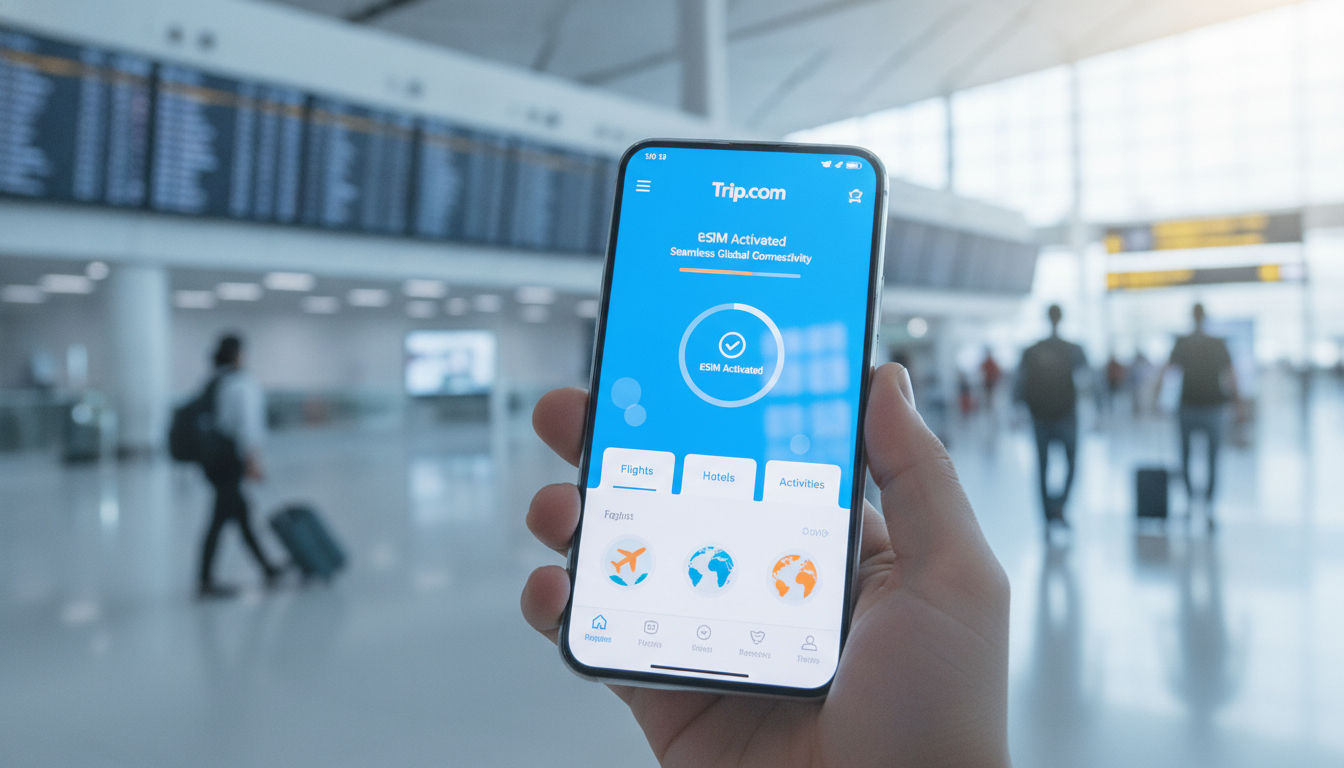
In short, what you'll discover in this article: Explore the convenience of the Trip.com eSIM for seamless travel connectivity. Learn about coverage, compatibility, purchasing steps, activation, pricing, and user experiences to make your international trip stress-free.
1. What is the Trip.com eSIM?
1.1 Overview and Benefits
The Trip.com eSIM is a digital SIM card embedded directly into your smartphone, eliminating the need for physical SIM swaps while traveling. This technology offers travelers flexible connectivity without the hassle of purchasing local SIM cards or facing expensive roaming fees.
With a Trip.com eSIM, you can activate data plans instantly and stay connected across multiple countries with ease.
1.2 Differences Between eSIM, Physical SIM Cards, and Local Solutions
Unlike traditional physical SIM cards that require insertion into your device, an eSIM is a programmable chip inside your phone. This means:
- No physical swapping or waiting for delivery.
- Ability to switch carriers or plans remotely.
- Support for dual-SIM functionality on compatible devices.
Compared to local SIM cards, the Trip.com eSIM offers pre-trip purchase convenience and global coverage options, reducing last-minute hassles upon arrival.
2. Coverage and Compatibility
2.1 List of Countries and Regions Covered
The Trip.com eSIM covers over 77 countries worldwide, including popular travel destinations in Asia, Europe, the Middle East, and beyond. Whether you're visiting China, the UAE, or multiple European countries, you can find tailored data packages that suit your itinerary.
Coverage catalogs change, so treat the country list shown on the selected package at checkout as authoritative. I recommend checking every stop on the itinerary, including transit countries where data will be needed.
A regional label does not necessarily include every nearby country, and seeing signal bars does not prove that a country is included in the plan.
2.2 Partner Operators and Network Quality
Trip.com partners with reputable local and international mobile operators to ensure high-speed 4G/5G connectivity and reliable network coverage. This collaboration guarantees that users experience consistent internet access during their travels.
2.3 Compatible Devices (iPhone, Android, Tablets) and Compatibility Check
Most modern smartphones support eSIM technology. The Trip.com eSIM is compatible with:
- iPhone models from XS and later.
- Select Android devices like Google Pixel 3 and newer.
- Some tablets with cellular capabilities.
Before purchasing, verify your phone’s compatibility with the Trip.com eSIM by checking device settings or consulting Trip.com’s compatibility guide.
Model family alone is not always enough: devices sold in different markets can have different eSIM capabilities, and a carrier-locked handset may reject a travel profile. The practical pre-purchase check is to confirm that the exact device is unlocked and that Add eSIM or Add mobile plan appears in its cellular settings.
3. How to Purchase an eSIM on Trip.com
3.1 Choosing the Right Plan (Data Volume, Duration, Single vs Multi-Country)
Selecting a suitable Trip.com eSIM data package depends on:
- Your travel destination(s).
- The length of your trip.
- Your expected data usage.
Options range from daily plans with limited data to multi-country packages offering larger data volumes for extended trips.
3.2 Step-by-Step Purchase Process
Follow these steps to buy a Trip.com eSIM:
- Visit Trip.com’s official eSIM page.
- Select your destination or multi-country plan.
- Choose the desired data package and duration.
- Add the plan to your cart.
- Complete payment using supported methods (credit card, PayPal).
- Receive a QR code via email or app for activation.
3.3 Payment Methods and Billing
Trip.com accepts various payment options ensuring secure transactions worldwide. Billing is transparent with no hidden fees, and flexible cancellation policies allow refunds before activation.
Payment methods, currencies, taxes, and refund conditions can differ by market and package. Check the live checkout total and the plan-specific cancellation terms before installation, because installing or activating the profile may change refund eligibility.
4. Activation and Configuration
4.1 Activating via QR Code / eSIM Profile – Detailed Steps
To activate your Trip.com eSIM:
- Scan the QR code sent after purchase using your phone’s camera or settings menu.
- Follow on-screen prompts to install the eSIM profile.
- Enable cellular data and roaming in your device settings.
- Restart your phone if necessary to apply changes.
4.2 Network Settings to Verify (APN, Cellular Data, Roaming)
Ensure these settings are correct for smooth connectivity:
- Access Point Name (APN) should be set automatically but verify in settings.
- Cellular data must be enabled.
- Data roaming should be turned on to use networks abroad.
When should you install and activate the plan?
I recommend installing the profile over reliable Wi-Fi before departure, while leaving it unselected for mobile data until the package's activation rule is clear. Some plans start validity at the first connection to a supported network, while others may start at installation or on a stated date.
That condition determines whether installing early is harmless or consumes paid validity, so verify it on the exact package rather than relying on a general eSIM rule.
Keep the QR code available on another device or as a printed copy during setup. A phone cannot conveniently scan a code displayed on its own screen.
Once the profile is installed, do not delete it as the first troubleshooting step: many activation codes are single-use, so deletion can turn a settings issue into a support request.
If the line does not connect after arrival, first toggle airplane mode, confirm that the travel eSIM is enabled, and verify the APN against the supplied instructions. If the APN is blank, copy the provided value exactly; an invented or mistyped APN can allow network registration while preventing the data session.
5. Pricing, Promotions, and Discounts
5.1 Price Comparison by Region and Data Volume
Trip.com offers competitive pricing tailored by region and data needs:
| Region | Data Volume | Approximate Price Range |
|---|---|---|
| Asia | 3GB - 30GB | $10 - $50 |
| Europe | 5GB - 20GB | $15 - $45 |
| Middle East | Daily Plans | $5 - $30 |
Prices vary based on plan duration and coverage area but generally provide good value compared to roaming fees.
Because prices and promotions change, use the live offers for the final comparison. Evaluate the total cost together with validity, included countries, and whether the allowance is daily or shared across the whole trip.
On a plan described as unlimited, also read the fair-use terms: the connection may remain active after a threshold while high-speed data is reduced.
6. Performance Tests and User Feedback
6.1 Speed and Latency Tests by Country
Independent tests show that Trip.com eSIMs deliver stable speeds suitable for browsing, streaming, and communication apps across most covered countries.
6.2 Customer Reviews, Ratings, and Use Cases
Travelers praise the ease of purchase and activation as well as reliable network access during trips to China, Europe, and the Middle East. Some users recommend verifying device compatibility beforehand to avoid setup issues.
7. Limitations, Common Issues, and Troubleshooting
7.1 Activation Errors and Solutions
If activation fails:
- Double-check QR code scanning accuracy.
- Confirm device compatibility.
- Restart your phone or reinstall the profile.
7.2 Managing Dual-SIM Conflicts and Data Prioritization
For dual-SIM phones:
- Set the Trip.com eSIM as the primary data line in settings.
- Disable cellular data on other SIMs if necessary to avoid conflicts.
7.3 Refund Policy and Contacting Trip.com Support
Trip.com allows refunds before eSIM installation if plans don’t meet expectations. For assistance, contact their customer support through their website or app for prompt help.
How do you prevent accidental roaming charges?
Selecting the travel eSIM as the preferred data line is only the first step on a dual-SIM phone. I also recommend disabling Allow Cellular Data Switching on iPhone, or the equivalent automatic switching feature on Android.
If that feature remains active, a brief loss of signal on the travel line can move data to the home SIM; the mechanism maintains connectivity, but the consequence abroad can be an unexpected roaming charge.
Turn off data roaming specifically for the home SIM, then enable it only on the Trip.com line if the package instructions require it. These controls are line-specific on many phones, so check each SIM label rather than assuming one roaming switch applies safely to both.
If the eSIM shows signal bars but pages do not load, verify the selected mobile-data line and APN before reinstalling the profile. Signal only confirms network visibility or registration; it does not confirm that the correct SIM owns the data session.
If those settings are correct, capture screenshots of the cellular configuration and contact support over Wi-Fi.
8. Tips for Choosing and Optimizing Your eSIM
8.1 Recommendations Based on Traveler Type
- Short trips: Daily plans with moderate data suffice.
- Multi-country tours: Opt for regional packages covering all destinations.
- Heavy users: Larger data bundles prevent overage charges.
8.2 Money-Saving Tips (Family Plans, Promotions)
Look out for family or group plans when traveling together to share data allowances efficiently; also check Trip.com's site regularly for seasonal promotions.
10. Conclusion – Who Should Choose the Trip.com eSIM?
The Trip.com eSIM is ideal for travelers seeking convenient, flexible connectivity without physical SIM hassles or roaming fees. Its broad coverage areas, easy purchase process, and reliable network partnerships make it a smart choice for international trips of any length.
For seamless travel connectivity solutions tailored to your itinerary, consider purchasing a Trip.com eSIM through singaporesim.com today!
FAQ
How do I activate the Trip.com eSIM on my phone?
After purchasing, you receive a QR code via email or app. Scan it using your phone’s camera or settings to install the eSIM profile. Enable cellular data and roaming, then restart your device if needed to complete activation.
Which devices are compatible with the Trip.com eSIM?
The Trip.com eSIM supports iPhones XS and newer, select Android phones like Google Pixel 3 and above, and some cellular-enabled tablets. Always check your device’s compatibility before purchasing to ensure smooth setup.
What countries does the Trip.com eSIM cover?
Trip.com eSIM covers over 77 countries worldwide, including popular destinations in Asia, Europe, and the Middle East. You can choose single-country or multi-country plans tailored to your travel itinerary.
Can I use Trip.com eSIM alongside a physical SIM card?
Yes, if your phone supports dual-SIM functionality, you can use the Trip.com eSIM as your data line while keeping your physical SIM active. Just set the eSIM as primary for data to avoid conflicts.
Are there any refund options if I don’t use my Trip.com eSIM?
Trip.com offers refunds if you request cancellation before activating the eSIM profile. Once installed, refunds are generally not available, so confirm your plan choice and device compatibility beforehand.

Liam Chen
Liam is a travel and technology writer based in Southeast Asia who has tested eSIMs across the region. At Singapore eSIM he compares travel data plans on Singtel, StarHub and M1 and helps visitors stay online affordably from Changi to Sentosa.