How to Activate a Singapore eSIM for Seamless Mobile Use in 2026
6/17/2026
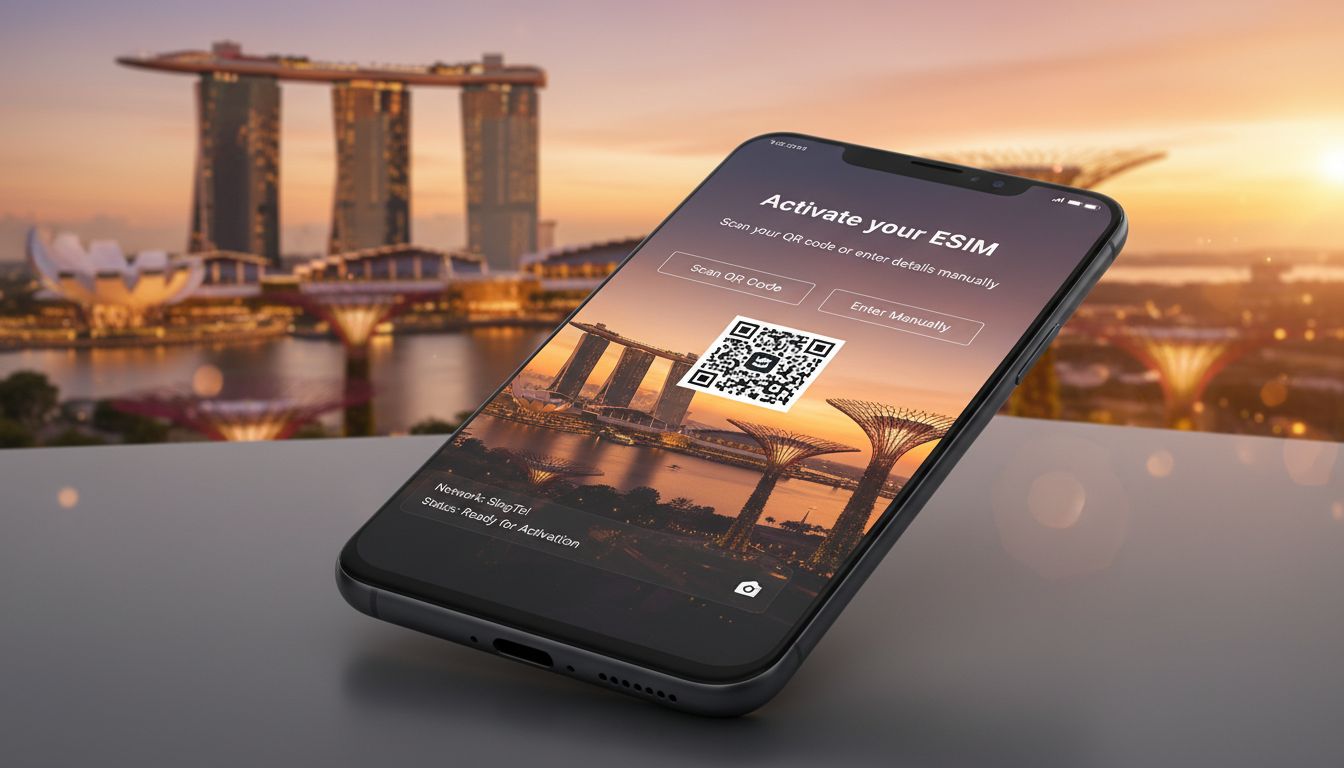
In short, what you'll discover in this article: Learn everything about singapore esim activation—from device compatibility and choosing the best providers to step-by-step activation instructions. Prepare ahead for seamless mobile connectivity during your Singapore trip.
1. Introduction: What Is an eSIM and Why Use It in Singapore?
An eSIM (embedded SIM) is a digital SIM that lets you activate a cellular plan without a physical card. For travelers to Singapore, using a Singapore eSIM offers convenience, faster setup, and eliminates the need to swap physical SIMs at the airport.
It enables instant connectivity upon arrival or even before you land, making your trip hassle-free.
The benefits of using a Singapore eSIM include:
- Instant activation with no physical SIM handling
- Multiple profiles on one device for easy switching
- Avoiding roaming fees by using local data plans
- Environmentally friendly by reducing plastic waste
With major providers like Singtel, StarHub, and M1 offering eSIM options, you can enjoy reliable coverage from Changi Airport to Marina Bay.
2. Before You Go: Preparation and Compatibility
2.1 Check Your Device Compatibility (iPhone, Android, Specific Models)
Not all phones support eSIM technology. Before your trip, verify if your device supports Singapore eSIM activation.
Most recent iPhones (XS and newer) and many Android models (Google Pixel 3 and later, Samsung Galaxy S20 and newer) are compatible.
To check:
- On iPhone: Go to Settings > Cellular > Add Cellular Plan
- On Android: Look for Mobile Network settings with an option to add an eSIM or digital SIM
Make sure your phone’s software is updated to the latest version for smooth activation.
2.2 Unlock Your Phone and Verify Carrier Requirements
Your phone must be unlocked to use a Singapore eSIM from any provider. Carrier-locked devices may restrict eSIM use or limit you to your home carrier’s roaming plans.
Contact your current carrier to confirm:
- Your phone is unlocked
- There are no restrictions on eSIM usage abroad
2.3 Choose Your Plan Type: Local Provider vs Tourist/International eSIM
You can select between:
- Local Singapore operators (Singtel, StarHub, M1): Usually offer better coverage and competitive prices but may require local ID or registration.
- Tourist/international eSIM providers: Purchase online before arrival with easy remote activation but sometimes at higher costs or limited data options.
Decide based on your stay length, data needs, and convenience preferences.
3. Where to Buy a Singapore eSIM
3.1 Buying from Local Operators (Singtel, StarHub, M1) — Pros and Cons
Local carriers provide official Singapore eSIM plans with excellent network coverage:
| Provider | Activation Method | Advantages | Considerations |
|---|---|---|---|
| Singtel | QR code via email or My Singtel app | Fast activation; extensive coverage | May require local registration |
| StarHub | QR code scanning; app support | Reliable service; quick setup | Limited tourist-specific plans |
| M1 | QR code or My M1+ app | Competitive pricing; good coverage | Some plans need ID verification |
These providers allow you to activate online or through their apps for convenience (Singtel Postpaid eSIM).
3.2 Buying an International/Tourist eSIM Online — Quick Comparison
International providers let you purchase a Singapore eSIM remotely before traveling:
- Instant delivery of QR codes via email
- No local ID required
- Slightly higher cost per GB
This option suits travelers wanting quick setup without visiting stores or dealing with local paperwork.
4. Step-by-Step Activation Guide
4.1 Activation via QR Code (Detailed Steps)
- Purchase your Singapore eSIM plan online or in-store; receive a QR code via email or printout.
- On your phone, go to Settings > Cellular > Add Cellular Plan.
- Scan the QR code provided by the carrier or provider.
- Follow on-screen prompts to label the plan (e.g., "Singapore Data").
- Wait a few minutes for activation; most activate within 2–5 minutes (StarHub eSIM Activation).
- Confirm mobile data is working by disabling Wi-Fi and browsing.
4.2 Activation via Carrier App (Steps and Tips)
Some carriers offer apps for easier management:
- Download the provider’s app (e.g., My Singtel, My M1+).
- Log in or create an account if needed.
- Navigate to SIM Management or eSIM Activation.
- Scan the QR code or select the purchased plan within the app.
- Follow prompts for installation and activation.
Apps often provide faster support and allow plan top-ups without re-scanning codes.
4.3 In-Store Activation / On-Site Assistance
If you prefer face-to-face help:
- Visit official stores of Singtel, StarHub, or M1 at Changi Airport or city centers.
- Staff can help scan QR codes and configure settings on your device.
- This option ensures immediate troubleshooting if issues arise.
5. Post-Activation Settings: APN, Mobile Data, Roaming
After activating your Singapore eSIM:
- Check that the Access Point Name (APN) settings are correct; usually auto-configured but can be manually set in Cellular Settings.
- Enable mobile data on the new plan profile.
- Disable data roaming on your home SIM if you want to avoid charges outside Singapore’s network.
Restart your phone if connectivity issues persist after activation.
6. Troubleshooting Common Issues
6.1 QR Code Not Recognized / Activation Failure
If scanning fails:
- Ensure camera focus is clear and lighting is adequate when scanning QR code.
- Manually enter activation code if provided by carrier.
- Restart your device and retry scanning.
6.2 No Mobile Connection After Activation
Try these steps:
- Verify APN settings match those provided by your carrier.
- Restart your phone.
- Manually select network operator under Cellular > Network Selection.
- Confirm airplane mode is off.
If problems persist, contact provider support or visit a store for assistance.
7. Quick Comparison of Prices and Coverage
| Provider | Starting Price (SGD) | Data Allowance | Coverage Quality | Activation Speed |
|---|---|---|---|---|
| Singtel | From $10 | Varies | Excellent | Instant |
| StarHub | From $12 | Varies | Very Good | Within minutes |
| M1 | From $8 | Varies | Good | Instant |
| International Providers | From $15 | Limited | Variable | Instant |
Prices fluctuate based on data volume and validity period; check current offers before purchase.
8. Practical Tips for Using Your Singapore eSIM
- Share connection via hotspot carefully—some plans restrict tethering.
- Use multi-profile features to keep home SIM active alongside Singapore eSIM.
- Activate your plan before landing if possible for immediate connectivity.
- Keep backup Wi-Fi options handy in case of temporary network issues.
9. Security and Managing Your eSIM Profiles
eSIM profiles are protected by QR codes and activation codes adding security layers against unauthorized use.
To manage profiles:
- Go to Settings > Cellular on your device.
- Add, switch between, or delete profiles as needed.
- Keep track of active profiles to avoid confusion during travel.
Always download profiles from trusted sources only.
10. Conclusion: Final Checklist for Successful Singapore eSIM Activation
To ensure smooth singapore esim activation:
- Confirm device compatibility and unlock status.
- Choose between local or international providers based on needs.
- Purchase your plan ahead of time when possible.
- Follow step-by-step activation via QR code or carrier app.
- Adjust APN settings if necessary.
- Troubleshoot common issues promptly.
- Enjoy seamless connectivity throughout Singapore!
For more detailed comparisons of international plans suitable for Singapore travel, check out best international esim data plans promo codes singapore travel and device-specific guides like esim singapore iphone.
By preparing carefully with these tips, you’ll avoid last-minute hassles and stay connected effortlessly during your adventure in Singapore!
FAQ
How do I check if my phone supports Singapore eSIM?
To check compatibility, go to Settings on your phone and look for the option to add a cellular plan. Most iPhones XS and newer, plus Android models like Google Pixel 3 and Samsung Galaxy S20 or later, support eSIM activation for Singapore.
Can I activate a Singapore eSIM before arriving?
Yes, many providers offer remote activation by sending a QR code via email. You can scan this code before your trip to have instant connectivity upon landing in Singapore, avoiding delays at the airport.
What are the main differences between local and tourist eSIM plans?
Local plans from Singtel, StarHub, or M1 usually offer better coverage and pricing but may require local ID registration. Tourist eSIMs are easier to buy online without ID but often cost more and have limited data options.
What should I do if my eSIM QR code won’t scan?
Ensure your camera is focused and well-lit when scanning. If it still fails, try manually entering the activation code if provided. Restarting your device and retrying often resolves scanning issues.
How can I manage multiple eSIM profiles on my device?
Go to Settings > Cellular to add, switch, or delete eSIM profiles. This lets you keep your home SIM active while using a Singapore eSIM. Always download profiles from trusted sources to maintain security.

Liam Chen
Liam is a travel and technology writer based in Southeast Asia who has tested eSIMs across the region. At Singapore eSIM he compares travel data plans on Singtel, StarHub and M1 and helps visitors stay online affordably from Changi to Sentosa.