Confronto eSIM Compatibility and Technical Limits for Devices
9/8/2026
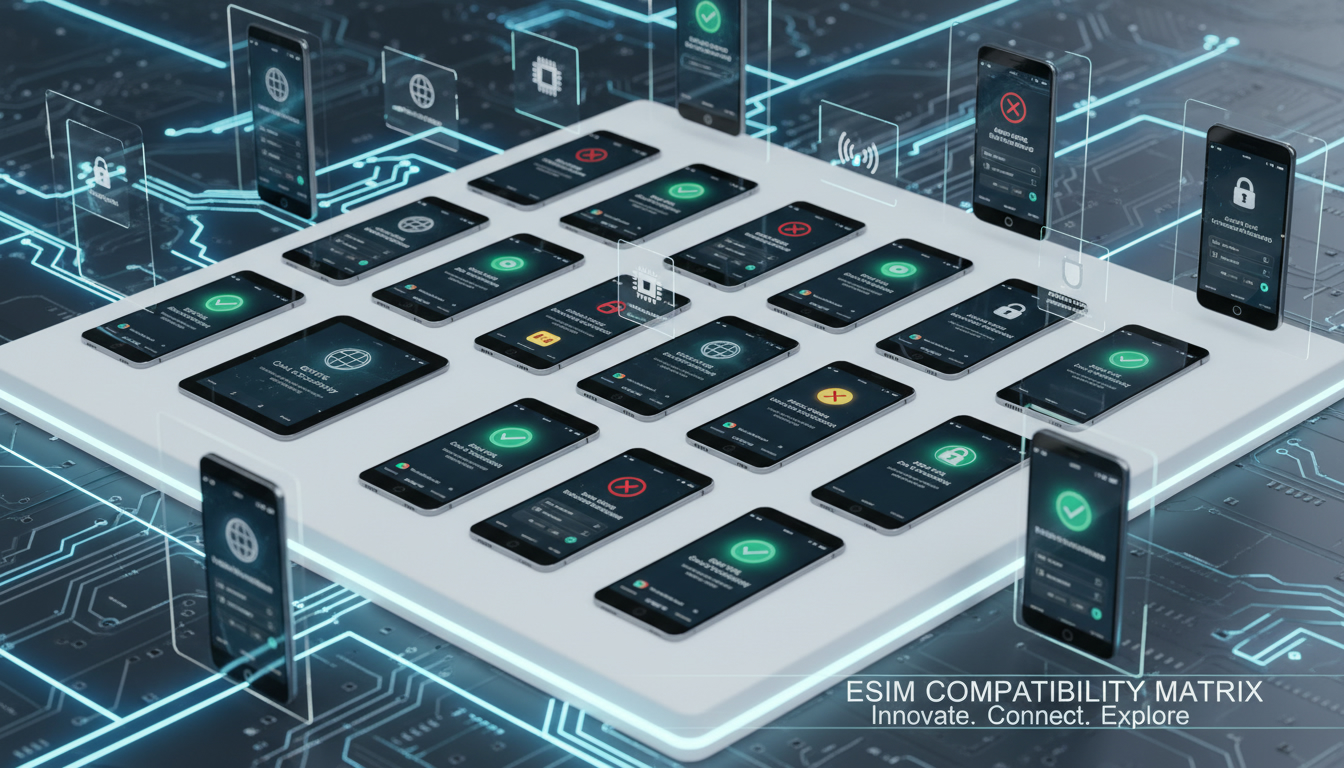
Understanding eSIM Compatibility: Which Devices Support eSIM and What Are the Technical Limits?
When comparing eSIM options, the first question I always tackle is device compatibility. Not every phone or gadget supports eSIM technology, and even among those that do, there are technical nuances that affect how you can use an eSIM.
If you’re planning to switch from a physical SIM to an eSIM or want to pick the best provider for your travels, knowing which devices work and what limits exist is crucial.
Devices That Support eSIM Technology
eSIM, short for embedded SIM, is a digital SIM embedded directly into your device’s hardware. Unlike traditional physical SIM cards, it allows you to activate cellular plans without swapping cards.
Here’s what you need to know about device compatibility:
- Smartphones: Most recent flagship smartphones support eSIM. Apple introduced eSIM support starting with the iPhone XS, XS Max, and XR models. Samsung followed with models like the Galaxy S20 and later. Google Pixel phones from Pixel 3 onward also include eSIM functionality.
- Tablets and Laptops: Devices like the iPad Pro (since 2018) and Microsoft Surface Pro X support eSIM for cellular connectivity.
- Wearables: Apple Watch Series 3 and later models include eSIMs to enable cellular features independently of your iPhone.
Technical Standards Governing Compatibility
The GSMA specification SGP.22 defines remote SIM provisioning for consumer devices, setting the framework for how eSIM profiles are downloaded and managed securely. Devices must comply with this standard to support eSIM activation seamlessly.
However, not all devices implement every feature of SGP.22 fully. For example, some phones allow only one active eSIM profile at a time, while others support multiple profiles but only one active line.
This difference impacts how you can switch between carriers or plans.
Technical Limitations of eSIM on Devices
While the promise of eSIM is flexibility, several technical constraints shape its real-world use:
Number of Profiles and Switching
Most devices limit the number of stored eSIM profiles to between 5 and 10, depending on manufacturer design. However, only one profile can be active for cellular data at any given moment on many phones.
This means if you’re traveling and want to keep your home carrier active alongside a local travel plan, you might have to toggle manually between profiles rather than using both simultaneously.
Activation Restrictions
Some devices require an internet connection or Wi-Fi during the initial activation of an eSIM profile because the profile is downloaded remotely from the carrier’s server using a QR code or activation code.
Additionally, certain carriers lock their eSIM profiles to specific devices or regions as part of their security policy. This can prevent activating a foreign carrier’s plan on your device if it’s region-locked or if the device firmware restricts such activations.
Hardware Constraints Impacting Coverage
The antenna design and modem hardware in some older or mid-range devices may not fully support all network bands available through an eSIM plan. This can result in weaker signal strength or lack of access to certain LTE or 5G bands compared to physical SIM usage.
For example, a device might support 4G LTE bands on a physical SIM but have limited band support when using an eSIM due to firmware or hardware limitations.
Comparing Popular Devices for eSIM Compatibility
Here’s a practical breakdown of common device categories regarding their eSIM capabilities:
| Device Category | Typical Number of Stored Profiles | Active Profiles Allowed | Notable Limitations |
|---|---|---|---|
| iPhone (XS and later) | Up to 10 profiles | 1 active + 1 physical SIM (Dual SIM) | Dual SIM requires one physical SIM slot |
| Samsung Galaxy S20+ and newer | Up to 5 profiles | 1 active profile only | Some models region-locked for certain carriers |
| Google Pixel 3 and newer | Up to 8 profiles | 1 active profile only | Limited carrier support in some countries |
| iPad Pro (2018+) | Multiple profiles supported | 1 active profile only | Requires Wi-Fi for activation |
| Apple Watch Series 3+ | Multiple profiles supported | 1 active profile only | Requires paired iPhone for setup |
This table reflects typical limits but always check your specific device model’s documentation since manufacturers update firmware that can change these capabilities.
How Device Compatibility Influences Your Choice of eSIM Provider
When I compare different eSIM providers for travelers, I always start by matching their offerings with device compatibility constraints. For example:
- If your phone supports dual SIM with one physical SIM and one eSIM (like many iPhones), you can keep your home SIM active while using a local travel data plan on the eSIM.
- If your device supports multiple stored profiles but only one active at a time (common in Android phones), switching between providers requires manual toggling.
- Some providers offer QR codes that are easier to scan on iPhones due to their integrated activation process; others rely on apps that work better on Android devices.
Knowing these details helps avoid frustration during travel when you expect seamless connectivity but face activation errors or coverage gaps.
Practical Considerations When Activating an eSIM
The Activation Process Depends on Device Support
Activating an eSIM typically involves scanning a QR code provided by your carrier or entering an activation code manually in your phone’s settings menu under “Cellular” or “Mobile Data.”
However, some devices require:
- A Wi-Fi connection during activation because the profile downloads from the carrier server.
- Firmware updated to the latest version; older OS versions may lack necessary security protocols.
- Carrier approval for unlocking if switching from a locked physical SIM phone.
If these conditions aren’t met, activation fails or results in limited service.
Security Features Tied to Device Hardware
eSIM technology leverages secure elements embedded in the device hardware to store credentials safely. This means:
- The risk of cloning or unauthorized copying is lower than with physical SIM cards.
- However, if your device is damaged or reset without backing up your profiles properly, you may lose access unless your provider supports re-provisioning easily.
Devices compliant with GSMA's SGP.22 standard ensure encrypted communication during profile download and management, enhancing security but requiring compatible hardware.
Why Device Compatibility Matters More Than You Think
I’d advise against choosing an eSIM plan solely based on price or data volume without checking if your phone supports it fully. The cost savings vanish if you can’t activate the plan smoothly or if network bands don’t match your device’s capabilities.
For instance, if you pick a provider offering unlimited data at a low price but your phone lacks support for their LTE bands via eSIM, you’ll experience slow speeds or no connection at all.
That’s why I always recommend consulting detailed compatibility guides before purchasing any international travel eSIM plan. MyBestSim offers comprehensive comparisons that factor in device compatibility alongside pricing and coverage—making it easier to find plans tailored to your exact phone model.
Switching From Physical SIM to eSIM: What Your Device Needs
The process to switch involves:
- Confirming your device supports eSIM activation.
- Obtaining an activation QR code or app from your chosen provider.
- Scanning or entering details in Settings > Cellular > Add Cellular Plan.
- Ensuring no ongoing calls or data sessions during activation.
- Testing connectivity immediately after setup.
A common mistake is trying to activate an eSIM without disabling airplane mode or while connected only via cellular data—this often causes download failures because the profile requires Wi-Fi initially.
Exploring Coverage Limitations Related to Device Compatibility
Even with perfect hardware support, regional restrictions can limit which carriers’ plans work on your device’s eSIM slot due to firmware locks imposed by manufacturers or carriers themselves.
For example, some Samsung Galaxy phones sold in specific regions are locked out from activating foreign carriers’ profiles via eSIM due to regulatory compliance issues.
This means when choosing between providers like Roamic, Yesim, LinkeSIM, or others listed on MyBestSim's platform for Singapore travel plans, verifying both network coverage maps and device compatibility is essential before purchase.
Internal Links To Help You Choose Your Next Travel Plan
If you’re planning trips beyond Singapore and want detailed insights into compatible plans for other destinations like Japan or Mongolia, check out my guides on the best eSIM for Japan and the best eSIM for Mongolia. These include compatibility notes specific to popular devices used by travelers in those regions.
By focusing on device compatibility first—what phones support which features and what technical limitations apply—you avoid common pitfalls that make switching to an eSIM frustrating rather than freeing. The future of mobile connectivity depends heavily on these standards evolving smoothly across devices worldwide.
FAQ
Which devices are compatible with eSIM technology?
Most recent flagship smartphones like iPhone XS and later, Samsung Galaxy S20 and newer, and Google Pixel 3 and above support eSIM. Tablets such as iPad Pro (2018+) and some laptops also support eSIM, along with wearables like Apple Watch Series 3 and later.
How many eSIM profiles can devices typically store?
Devices usually store between 5 and 10 eSIM profiles, but only one profile can be active at a time for cellular data on many phones. This means you must manually switch profiles if you want to use different carriers or plans.
What technical limits affect eSIM activation on devices?
Activation often requires a Wi-Fi connection to download the profile remotely. Some devices or carriers restrict eSIM activation by region or device model, and older firmware may lack necessary security protocols, causing activation failures.
Can I use dual SIM with eSIM on my phone?
Many iPhones support dual SIM with one physical SIM and one active eSIM simultaneously. However, most Android phones allow only one active eSIM profile at a time, so you need to toggle manually between profiles for different carriers.
Why is device compatibility crucial when choosing an eSIM provider?
Device compatibility ensures your phone supports the necessary network bands and activation features. Without it, you might face slow speeds, activation errors, or coverage gaps, making your chosen eSIM plan less effective or unusable.

Liam Chen
Liam is a travel and technology writer based in Southeast Asia who has tested eSIMs across the region. At Singapore eSIM he compares travel data plans on Singtel, StarHub and M1 and helps visitors stay online affordably from Changi to Sentosa.