Singapore eSIM Tips for Choosing and Activating Plans in 2026
8/29/2026
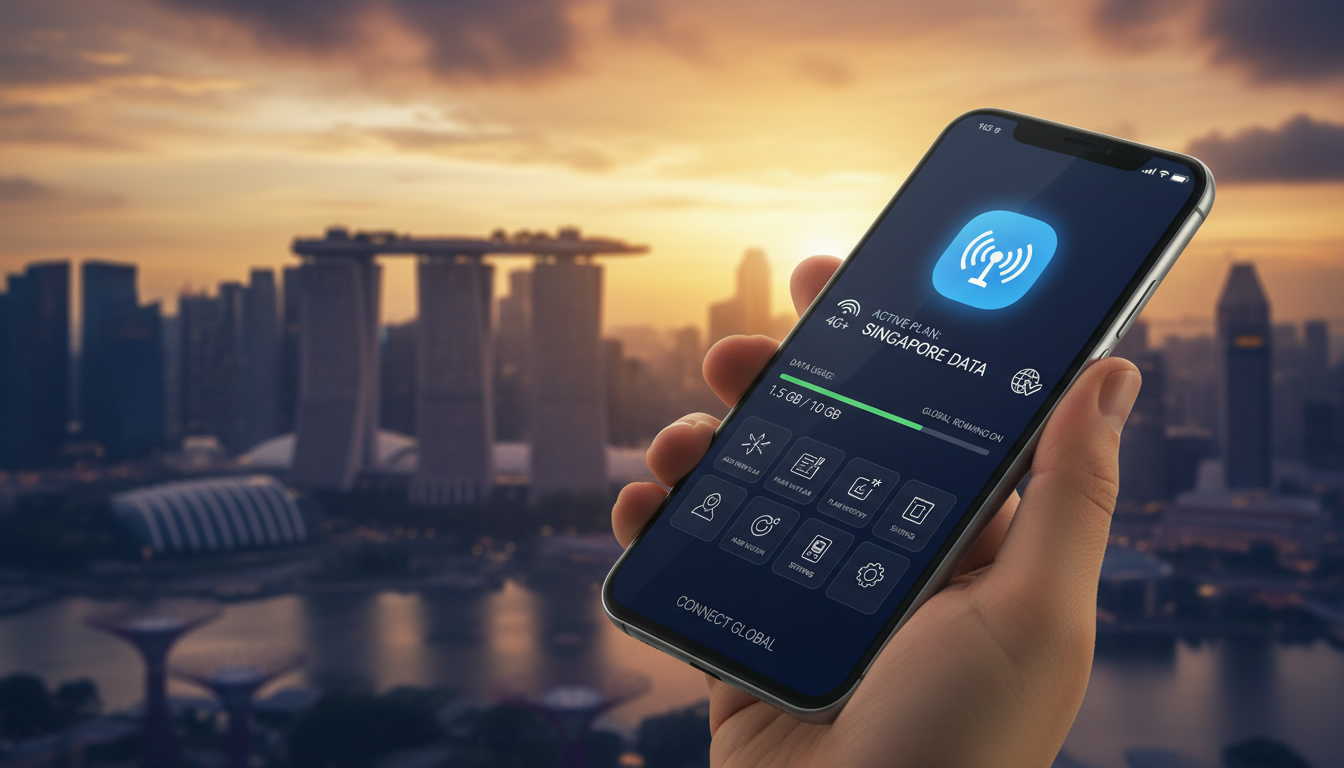
In short, what you'll discover in this article: Practical Singapore eSIM tips for travelers, including device compatibility, where to buy, how to activate, and ways to optimize your eSIM data plan. Stay connected hassle-free during your trip with expert advice and money-saving tricks.
1. Why Use an eSIM in Singapore? Advantages and Quick Overview
Using a Singapore eSIM offers unmatched convenience for travelers. Unlike physical SIM cards, eSIMs eliminate the need to swap cards or visit stores upon arrival.
They provide instant activation and flexible data plans tailored for short stays or longer visits. With Singapore’s excellent mobile coverage from providers like Singtel, StarHub, and M1, an eSIM ensures seamless connectivity for navigation, communication, and sharing your experiences.
Benefits include:
- Instant setup without physical SIM handling
- Multiple plans available for different durations and data needs
- Avoiding roaming fees by using local data plans
- Dual SIM support for keeping your home number active
This guide will walk you through everything from device compatibility to activation and optimization.
2. Check Your Device Compatibility
Before purchasing a Singapore eSIM, verify if your device supports it to avoid activation issues.
2.1 Supported iPhone and Android Models
Most recent smartphones support eSIM technology:
- iPhones: Models from iPhone XS and newer (including iPhone 11, 12, 13, 14 series)
- Android: Flagship models such as Google Pixel 3 and later, Samsung Galaxy S20 and newer, OnePlus 8 and above
Always confirm with your manufacturer if unsure.
2.2 Required Software Version and Settings to Verify
Ensure your phone runs the latest OS version supporting eSIM features:
- iOS 12.1 or later for iPhones
- Android 10 or later with carrier support for Android devices
Check in Settings > Network & Internet > Mobile Network that the option to add a carrier or download a SIM is available.
3. Where to Buy a Singapore eSIM? Options and Recommendations
Choosing where to buy your Singapore eSIM depends on convenience, price, and coverage preferences.
3.1 Local Operators: Singtel, StarHub, M1 – Pros and Cons
Local carriers offer reliable coverage across Singapore:
- Singtel: Strongest coverage with extensive 5G availability; slightly higher prices
- StarHub: Competitive pricing with good urban coverage
- M1: Affordable plans with decent network reliability
These operators often require identity verification and may have limited tourist-specific plans.
3.2 International/Tourist Providers: Airalo, Yesim, Holafly
International providers specialize in travel eSIMs:
- Instant online purchase and activation before arrival
- Flexible short-term plans tailored for tourists
- Often cheaper than airport options
Providers like Airalo and Yesim offer promo codes such as MYBESTSIM20 for Yesim or MYBESTSIM for Airalo that can save you money on unlimited data plans.
3.3 Buying at the Airport vs Online Before Departure
While buying at Changi Airport is convenient, prices tend to be higher with limited plan options. Ordering online before departure ensures you have connectivity the moment you land without waiting in queues.
For comprehensive prepaid options, check out this prepaid Singapore eSIM guide.
4. How to Activate a Singapore eSIM: Step-by-Step Guide
Activating your Singapore eSIM is straightforward if you follow these steps carefully.
4.1 Before Activation: Backups and Precautions
- Backup your current SIM settings or contacts.
- Ensure stable Wi-Fi connection during installation.
- Disable roaming on your physical SIM to avoid unexpected charges.
4.2 Activation via QR Code / App / Activation Code
Common activation methods include:
- Scan the QR code provided by the eSIM vendor via Settings > Mobile Network > Add Carrier.
- Use the provider’s app to download the eSIM profile.
- Enter an activation code manually if supplied.
4.3 APN Settings, Network Selection & Connection Test
After activation:
- Verify APN settings match those recommended by the provider.
- Select the correct network manually if automatic selection fails.
- Test internet connectivity by browsing or using apps.
If issues arise, consult troubleshooting tips below.
5. Dual SIM Setup and Data Management
Many travelers use dual SIM setups to keep their home number active alongside a Singapore eSIM.
5.1 Choosing Default Lines for Data / Calls / SMS
Configure which SIM handles:
- Mobile data (usually the Singapore eSIM)
- Voice calls (home or local)
- Text messages
This is done under Settings > Mobile Network > Default SIM settings.
5.2 Switching Between eSIM and Physical SIM
Easily toggle between lines depending on usage needs or signal strength without removing any cards physically.
6. Common Issues and Solutions
Even with smooth technology, problems can occur.
6.1 Activation Failure / No Signal
- Confirm device compatibility.
- Restart phone after installation.
- Check network selection manually.
6.2 OTP SMS Not Received / Authentication Problems
Some services may block OTPs on foreign numbers; try switching SMS line or contact provider support.
6.3 Restoring or Transferring an eSIM to a New Device
Use your provider’s app or QR code again; some carriers allow multiple installations but check policy beforehand.
7. Quick Plan Comparison (Refer to MyBestSim)
For up-to-date pricing, data volumes, validity periods, and speeds of Singapore eSIM plans from providers like eSIM.dog, MicroEsim, Yatelo, LinkeSIM, Redtea, JamboSim among others—refer to MyBestSim’s comprehensive comparison tool rather than fixed tables here.
8. Tips to Save Money and Optimize Your Connection
8.1 Optimal Purchase Duration Based on Your Stay
Buy only as many days of service as you need; some providers offer great deals for short-term visitors (e.g., one-day plans from $0.97 with eSIM.dog).
8.2 Smart Use of Public Wi-Fi & Securing Your Connection (VPN)
Use public Wi-Fi wisely but always secure your connection with a VPN app to protect personal data while exploring Singapore.
9. Security Best Practices
9.1 Verify Provider Authenticity & Avoid Malicious QR Codes
Only purchase from trusted vendors listed on reputable platforms like MyBestSim or official carrier websites to avoid scams.
9.2 Backups & Pre-trip Checklist
Keep digital copies of activation codes/QRs safe offline before traveling in case of phone issues.
10. Specific Use Cases & Recommendations: Tourists, Business Travelers, Expats
Tourists benefit most from short-term flexible plans with easy activation; business travelers may prefer premium local carriers for guaranteed speed; expats should consider longer validity plans with better customer support options.
For more detailed insights on internet options in Singapore during your stay, visit this internet in Singapore guide.
11. Conclusion + Call to Action
Choosing the right Singapore eSIM can make your trip smoother by ensuring instant connectivity without roaming fees or physical SIM hassles. For the best deals and verified promo codes like MYBESTSIM20 for Yesim or MYBESTSIM for Airalo unlimited plans, explore MyBestSim’s comparison first.
Prepare ahead by ordering online before departure so you stay connected from touchdown at Changi Airport all the way through Marina Bay adventures!
Explore detailed prepaid options here: best eSIM data plans in Singapore.
FAQ
How do I check if my device supports Singapore eSIM?
To verify compatibility, ensure your phone is an iPhone XS or newer, or a recent Android like Google Pixel 3 or Samsung Galaxy S20. Also, confirm your device runs iOS 12.1+ or Android 10+ with carrier support for eSIM features.
Where can I buy a Singapore eSIM before traveling?
You can purchase Singapore eSIMs online from providers like Airalo or Yesim for instant activation and better prices. Local carriers like Singtel or StarHub also sell eSIMs but may require identity verification and offer fewer tourist plans.
What is the easiest way to activate a Singapore eSIM?
Activation typically involves scanning a QR code from your eSIM provider via your phone’s settings, using the provider’s app, or entering an activation code manually. Make sure to have a stable Wi-Fi connection during setup.
How can I manage dual SIM settings with a Singapore eSIM?
You can assign your Singapore eSIM for mobile data while keeping your home SIM for calls and texts. Adjust default SIM settings in your phone’s network options and switch between lines without removing physical SIM cards.
What should I do if my Singapore eSIM shows no signal after activation?
If you experience no signal, first restart your phone and check device compatibility. Manually select the network in settings and verify APN configurations. Contact your provider’s support if problems persist.

Liam Chen
Liam is a travel and technology writer based in Southeast Asia who has tested eSIMs across the region. At Singapore eSIM he compares travel data plans on Singtel, StarHub and M1 and helps visitors stay online affordably from Changi to Sentosa.