How to Use eSIM for iPhone in Singapore in 2026
6/16/2026
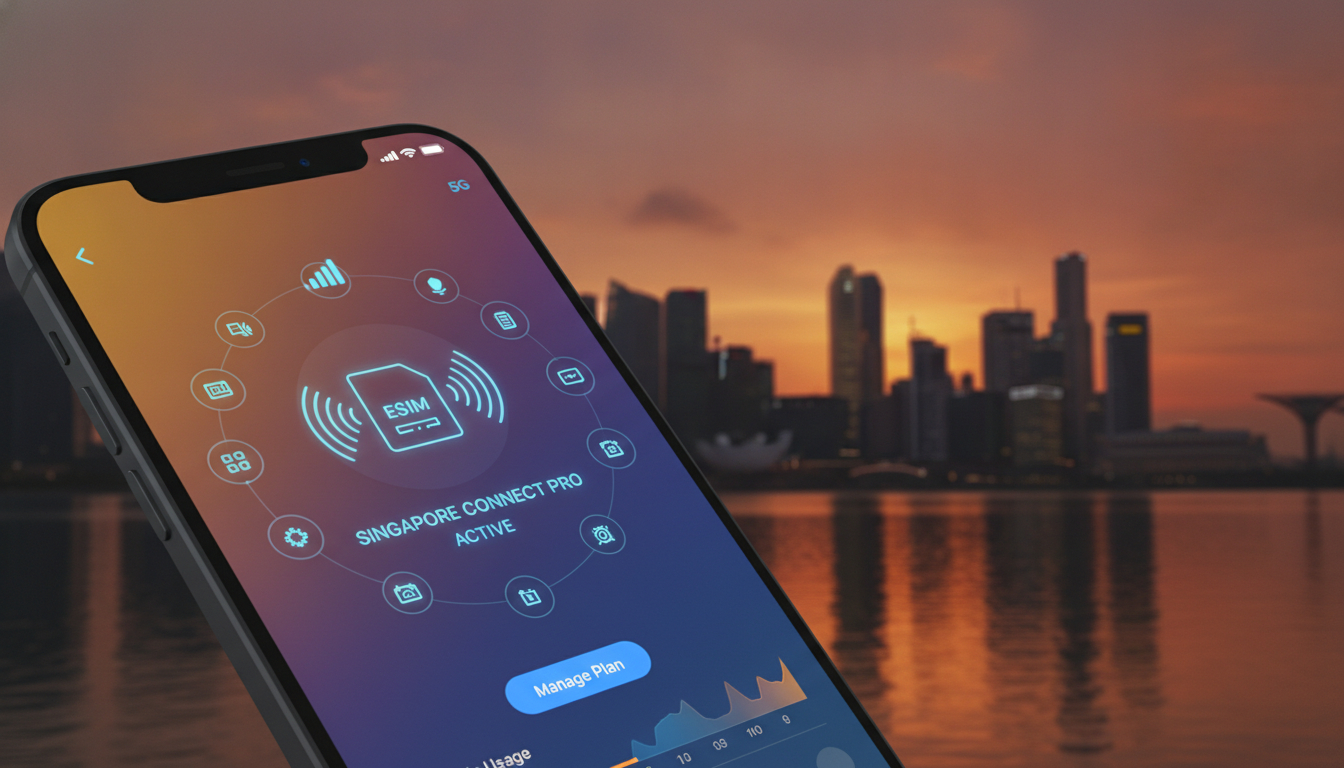
In short, what you'll discover in this article:
Learn how to activate and use the esim singapore iphone with ease. Discover compatible iPhone models, top carriers like Singtel and StarHub, step-by-step activation, and tips for seamless dual SIM management in Singapore.
1. Introduction — Why Choose an eSIM in Singapore for iPhone
Switching to an iPhone eSIM in Singapore offers unmatched convenience. Without the hassle of physical SIM cards, you can manage multiple lines on one device, ideal for balancing work and personal calls.
Singapore’s advanced network infrastructure supports eSIM technology widely, making it a smart choice for residents and travelers alike.
2. What Is an eSIM?
An eSIM (embedded SIM) is a digital SIM that allows you to activate a cellular plan without a physical card. It’s built into your iPhone, enabling easy switching between carriers and plans.
2.1 Advantages of eSIM vs Physical SIM
- Instant activation without visiting a store
- Ability to hold multiple plans simultaneously (dual SIM)
- No need to swap physical cards when changing plans or traveling
- Reduced risk of losing or damaging your SIM card
2.2 Limitations and Requirements (iOS, iPhone Model)
- Requires iPhones that support eSIM technology
- Must run a compatible iOS version (usually iOS 12.1 or later)
- Some older or region-specific iPhone models may lack eSIM support in Singapore (Apple Support SG)
3. Compatible iPhones and iOS Requirements
3.1 List of Compatible Models and How to Check
Popular models supporting eSIM in Singapore include:
- iPhone XS, XS Max, XR and newer
- iPhone 11 series
- iPhone 12 series
- iPhone 13 series
- iPhone 14 series
To verify compatibility: Go to Settings > General > About on your iPhone and check the model number against official lists.
3.2 Minimum iOS Version Required and Updates
Your device should run at least iOS 12.1 for basic eSIM support, but the latest updates improve stability and features. Always update your iPhone via Settings > General > Software Update before activating an eSIM.
4. eSIM Carriers in Singapore — Overview and Key Points
Singapore’s major carriers offer robust eSIM options tailored for different needs.
4.1 Singtel — Offers and Benefits
Singtel provides postpaid and prepaid Singtel eSIM plans with extensive coverage and fast speeds. Activation is streamlined through the My Singtel app with clear instructions (Singtel Postpaid eSIM).
4.2 StarHub — Offers and Benefits
StarHub supports both prepaid and postpaid eSIMs with competitive pricing and wide network coverage. Their online portal allows easy plan management.
4.3 M1 — Offers and Benefits
M1 offers affordable 5G eSIM plans with true nationwide coverage, available for purchase online with instant activation (M1 eSIM Plans).
4.4 MVNOs and Low-Cost Options
Several Mobile Virtual Network Operators (MVNOs) provide budget-friendly prepaid eSIM Singapore plans ideal for short-term use or travelers seeking economical data solutions.
5. Types of Plans and Comparison (Tourists vs Residents)
5.1 Tourist Plans — Duration, Data, Calls
Tourist eSIM Singapore plans typically offer:
- Short validity (7–30 days)
- Data bundles ranging from 1GB to unlimited options
- Local calls included or available as add-ons
5.2 Long-Term and Postpaid Plans
Residents can opt for postpaid plans with flexible data caps, unlimited calls, and bundled services such as roaming benefits or family sharing options.
6. Where to Buy an eSIM in Singapore
6.1 Online Purchase (Official Sites & Resellers)
Buying online from carrier websites or authorized resellers ensures authenticity and quick delivery of your eSIM QR code. This method often includes detailed instructions for installation.
6.2 Airport / Retail Store Purchase
You can also buy an eSIM at Changi Airport or carrier stores across Singapore for immediate activation assistance but expect slightly higher prices or limited plan choices.
6.3 Pros & Cons of Each Channel
| Channel | Pros | Cons |
|---|---|---|
| Online | Convenience, better prices | Requires internet access |
| Airport / Stores | Immediate help, physical support | Possibly higher cost |
7. Step-by-Step Guide — How to Activate an eSIM on iPhone
7.1 Before You Start (QR Code, Wi-Fi Connection, Activation Code)
Make sure you have:
- A stable Wi-Fi connection
- Your carrier’s eSIM QR code or activation code ready
- Your iPhone updated to the latest iOS version
7.2 Detailed Steps (Settings > Cellular > Add Cellular Plan)
- Open Settings on your iPhone
- Tap Cellular or Mobile Data
- Select Add Cellular Plan
- Scan the provided eSIM QR code or enter details manually
- Follow on-screen prompts to complete activation
7.3 Verify and Test Connection
After setup, check signal strength and try browsing or calling to confirm your new plan works correctly.
8. Setting Up Dual SIM on iPhone
8.1 Choosing Default Line for Calls & Data
You can assign which line is used by default for voice calls, messages, and cellular data under Settings > Cellular > Default Voice Line.
8.2 Switching Between Lines & Managing Preferences
Easily switch lines when making calls or sending texts by selecting the desired number in the dialer or message app.
9. Troubleshooting Common Issues
9.1 Activation Errors — Causes & Solutions
Common causes include outdated iOS, incorrect QR code scanning, or carrier restrictions. Restart your phone, update software, or contact your carrier if problems persist.
9.2 No Network / Data Disabled — Quick Checks
Ensure cellular data is enabled in settings; toggle airplane mode off/on; verify plan status with your provider.
9.3 Removing or Reinstalling an eSIM
Go to Settings > Cellular, select the plan you want to remove, then tap Remove Cellular Plan to delete it safely before reinstalling if needed.
10. Practical Tips & Best Practices
10.1 Using eSIM for Roaming & Multi-Destination Travel
Keep one line active at home while adding local tourist plans abroad without swapping physical SIMs—ideal for frequent travelers.
10.2 Backup, Transfer & Security of Your eSIM
Always keep a copy of your activation QR code securely stored; some carriers allow transferring plans between devices via apps.
10.3 Traveler Tips (Avoid Double Billing, Keep Your eSIM)
Disable data roaming on unused lines to avoid charges; retain your original eSIM profile if returning soon to Singapore.
11. Quick Comparison Table — Price, Data, Validity, Activation
| Provider | Price Range | Data Options | Validity | Activation Method |
|---|---|---|---|---|
| Singtel | Mid-high | From prepaid to unlimited | Days to months | App + QR code |
| StarHub | Mid | Flexible data packs | Days to months | Online + QR code |
| M1 | Affordable | Prepaid & postpaid | Days to months | Online + QR code |
| MVNOs | Low-cost | Limited data | Short-term | Online |
12. FAQ — Common Questions & Brief Answers
Q: Can I use an eSIM on any iPhone in Singapore?
A: Only models from XS onward with updated iOS versions support it here.
Q: How do I get my eSIM QR code?
A: Usually via email after purchase or through carrier apps like My Singtel.
Q: Can I have two active lines simultaneously?
A: Yes, dual SIM functionality lets you use both physical SIM + eSIM at once.
For more detailed comparisons of data plans tailored for travel or daily use in Singapore, check out esimzon and tripcom-esim.
13. Conclusion
Switching to an esim singapore iphone setup simplifies managing multiple phone lines while enjoying Singapore’s excellent network coverage from carriers like Singtel, StarHub, and M1. Follow the step-by-step guide above to activate your eSIM smoothly today—embrace hassle-free connectivity without physical SIM cards! Visit singaporesim.com for the latest plan comparisons and instant activation options tailored just for you.

Liam Chen
Liam is a travel and technology writer based in Southeast Asia who has tested eSIMs across the region. At Singapore eSIM he compares travel data plans on Singtel, StarHub and M1 and helps visitors stay online affordably from Changi to Sentosa.